When to Use Voice Control and When to Skip It
Voice assistants feel like the face of the smart home, but they are the right tool for a surprisingly narrow set of tasks. Here is when talking to your house genuinely helps and when a sensor, a switch or a schedule does the job better.
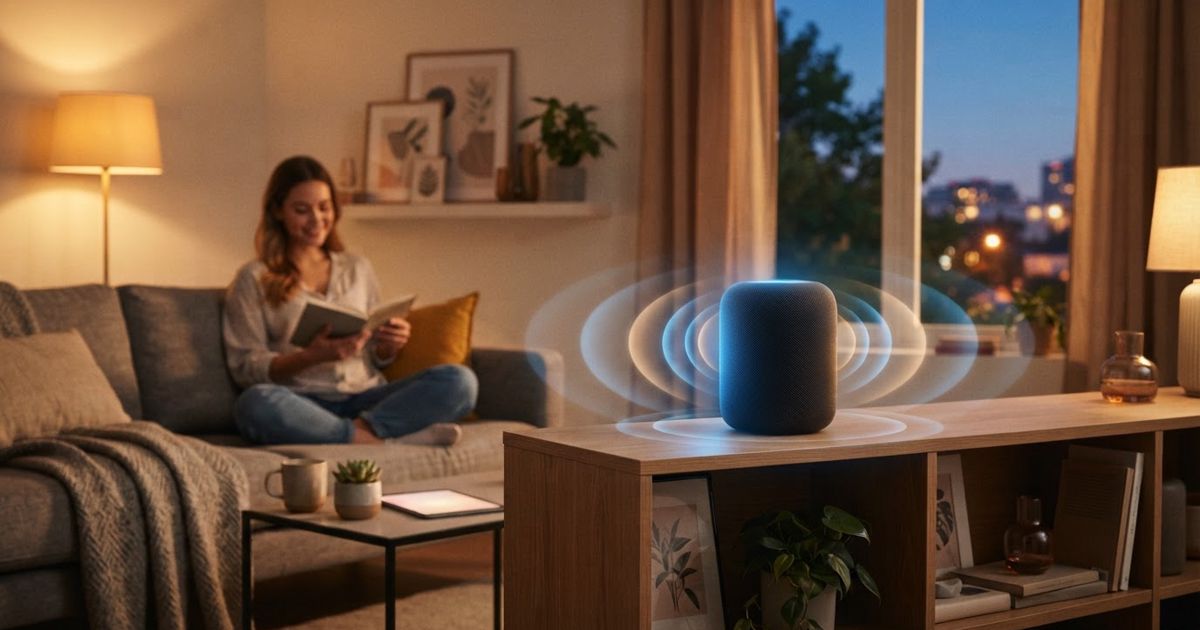
Table of contents
Voice control is the feature that sells smart homes in adverts: you walk in, say a phrase, and the house responds. It is genuinely useful — but it is also the most overused interface in the smart home, reached for in situations where a sensor or a switch would be faster, more reliable, and less annoying to everyone else in the room. Knowing when to talk to your house, and when not to, is what separates a smart home that feels effortless from one that feels like a chore.
What voice control is genuinely good at
Voice shines in a specific set of conditions: your hands are busy, the target is out of reach, or the request is too open-ended for a button.
- Hands full or messy — cooking with floury hands, carrying laundry, holding a baby. Saying "set a ten-minute timer" beats hunting for a phone.
- Across the room — turning off a light you already walked past, without backtracking.
- Open-ended questions — "what's the weather," "how long to the airport," "add batteries to the shopping list." These have no dedicated switch.
- Quick one-offs — actions you do rarely enough that building an automation isn't worth it.
In all of these, the value is that voice is ambient: it works from anywhere in the room without you touching or finding anything.
When voice is the wrong tool
The trouble starts when voice becomes the only way to control things. Talking is slow, error-prone in noisy rooms, and socially awkward when others are present. Skip voice when:
- The action happens on a schedule. If you turn the porch light on every night at dusk, that should be an automation, not a nightly sentence. Our guide to useful automations instead of gimmicks covers how to set these up.
- The trigger is physical presence. Walking into a room, opening a door, or leaving the house are all better handled by motion, contact and presence sensors than by remembering to announce yourself.
- Someone is asleep or on a call. Barking commands at 6 a.m. or mid-meeting is worse than flicking a switch.
- Precision matters. "Set the light to 43 percent" is painful by voice; a dimmer or slider is instant.
- It has to work every time. Voice depends on recognition, network, and cloud services. For anything safety-adjacent, a physical control is more dependable.
The rule of thumb: presence, schedule, then voice
A well-designed smart home reaches for voice last, not first. Work down this order for any action:
- Can presence trigger it? If the action should happen because you entered, left, or moved, use a sensor. It is fully hands-free and needs no thought at all.
- Can a schedule trigger it? If it happens at predictable times, automate it by time or sunrise/sunset.
- Can a physical control handle it? A well-placed switch or button is instant, reliable, and usable by guests who don't know your command phrases.
- Only then, voice. For the unpredictable, hands-busy, or open-ended requests that don't fit the above.
This ordering means the best voice setups are ones you rarely need to use — because the routine stuff already happens on its own.
Keep physical controls, even in a voice-first home
A common mistake is ripping out switches because "we'll just use voice." Don't. Physical controls matter for three reasons:
- Guests and family who don't know your phrases, or don't want to talk to your house, can still operate it.
- Reliability when the assistant mishears, the internet drops, or a service has an outage.
- Speed for precise adjustments that voice handles clumsily.
Smart switches and buttons that keep working manually are worth prioritizing. Think of voice as an additional interface layered on top, never a replacement for the ability to just press something.
The privacy dimension you can't ignore
Voice control means an always-listening microphone in your home, and that is a real tradeoff, not a paranoid one. If you keep voice, at least understand what it costs you and how to limit it — our smart speaker privacy guide walks through mute switches, review-and-delete settings, and local processing options.
The practical upshot: put voice assistants where their usefulness justifies the microphone — the kitchen, a living area — and think twice before adding one to a bedroom or a room where sensitive conversations happen. Every open-mic device is a place to weigh convenience against exposure.
Matching the assistant to your ecosystem
If you decide voice earns its place, the assistant you choose is largely dictated by the platform you've committed to, since each ecosystem leans on its own. Our comparison of Home Assistant, Alexa, Apple and Google covers how voice fits into each, including options for more local, privacy-respecting voice handling if that matters to you.
The bottom line
Voice control is a great supporting actor and a poor lead. Use it for the hands-busy, across-the-room, open-ended moments where nothing else is as convenient. For everything routine — the lights that follow the sun, the fan that responds to a room, the door that arms the house when it locks — let sensors and schedules do the work silently. The homes that feel truly smart aren't the ones where you talk the most; they're the ones where you rarely have to say anything at all.