How to Set Up Guest Access Without Exposing the Whole Smart Home
House guests, cleaners, pet sitters and short-term renters all need to open a door or turn on a light without seeing your cameras, unlocking every room, or living in your account forever. Here is a practical way to grant just enough access and take it back cleanly.
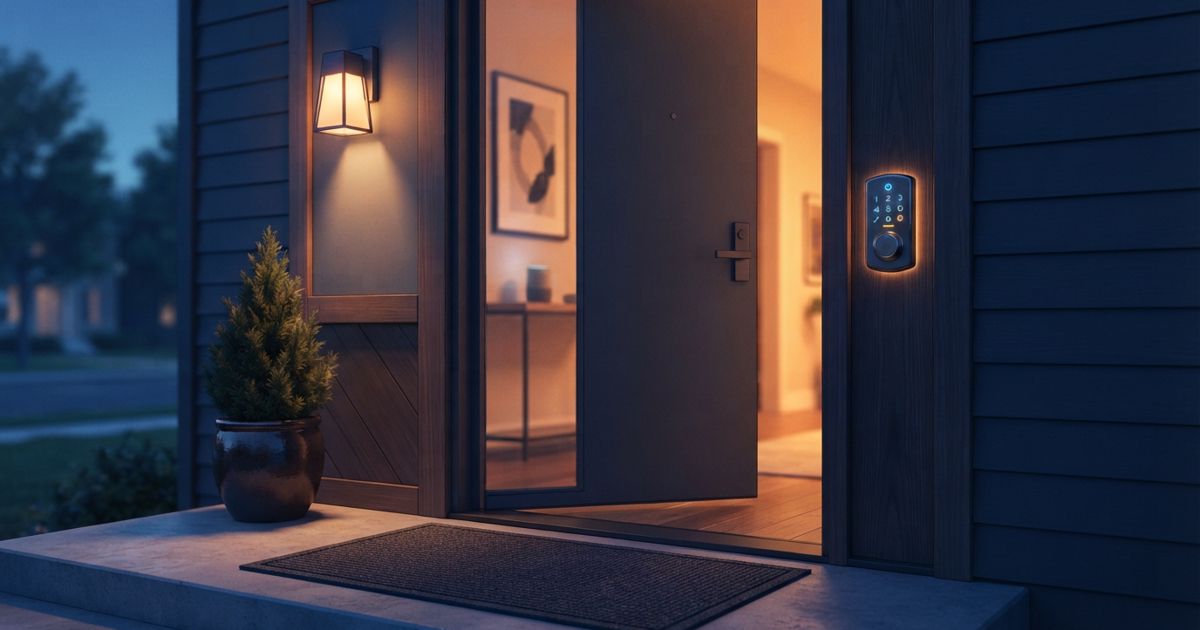
Table of contents
- Start by deciding what "guest" actually means
- Prefer device-level sharing over whole-home membership
- Use dedicated guest codes on locks, not your own
- Put cameras and microphones off-limits
- Set an expiry date at the moment you grant access
- Watch the accounts, not just the devices
- A simple checklist before you hand over access
- The mindset that keeps you safe
Handing someone access to your smart home should feel like lending a single key, not giving away the whole ring. Yet the easy path most apps push you toward is the opposite: add the person as a full member of your home, and suddenly your guest can see every camera, unlock every door, and rename your devices. This guide walks through how to give guests exactly what they need and nothing more.
Start by deciding what "guest" actually means
Before you touch an app, define the role. Different guests need very different things, and lumping them together is where over-sharing begins.
- Overnight house guests usually need to unlock the front door, control lights in their room, and maybe adjust the thermostat.
- Cleaners and contractors need entry during a specific window, and nothing else.
- Pet or plant sitters need repeated entry over several days but no long-term membership.
- Short-term renters need entry plus basic comfort controls, with cameras and personal devices firmly off-limits.
Write down the minimum each role needs. Everything beyond that list is over-exposure you should avoid granting in the first place.
Prefer device-level sharing over whole-home membership
Most major ecosystems support at least two tiers of access, and the names vary. The important distinction is between adding someone as a member of your home and simply sharing a device or two.
Whole-home membership is convenient but blunt: it typically exposes the full device list, automation history and, on some platforms, camera feeds. Device-level or "guest" sharing is narrower. If your platform lets you share a single lock, a single light group, or a single thermostat without inviting the person into the whole home, use that path. It is almost always the safer default. Our guide to why privacy-conscious buyers prefer local control explains why keeping the surface small matters beyond just guests.
Use dedicated guest codes on locks, not your own
Smart locks are the one place where guest access is genuinely mature, and you should lean on it. Instead of sharing your app login or your personal unlock method, create a separate numeric code or credential for each guest.
Separate codes give you three things that shared logins never will:
- Attribution — you can see which code opened the door and when.
- Revocation — you delete one code without disturbing anyone else's.
- Scheduling — many locks let a code work only on certain days or hours.
Give the cleaner a code that only works on cleaning day. Give the dog sitter a code that expires the day you get home. Never reuse the same guest code for two different people, and never let a guest use your primary credential.
Put cameras and microphones off-limits
This is the step people forget. A guest who can control a light is harmless; a guest who can pull up your indoor camera history is not. Before anyone arrives:
- Confirm that indoor cameras are not included in whatever you shared.
- Check whether your sharing tier exposes camera event clips or live view, and turn that off.
- Consider physically covering or unplugging indoor cameras while guests stay over — it is the clearest signal of respect, and it removes any doubt.
If you are still choosing hardware, our rundown of privacy features to check on cameras and doorbells covers which models make it easy to disable feeds without deleting footage.
Set an expiry date at the moment you grant access
The single biggest failure in guest access is not over-granting — it is forgetting to revoke. A code you meant to keep for a weekend is still live months later. Beat this by treating expiry as part of the grant, not a cleanup task.
If your lock or platform supports time-limited or scheduled access, set the end date the instant you create the code. If it does not, put a reminder in your calendar for the morning after the guest leaves. The habit to build: never create access without also creating the plan to remove it.
Watch the accounts, not just the devices
Sharing often happens at the account level, which means an invited guest can linger even after every device looks locked down. Do a quick audit:
- Open your ecosystem's household or members list and confirm only people who live with you remain.
- Remove any invited accounts tied to past guests.
- Check that guests were never made admins, only limited members — admins can often undo your restrictions.
If you run a more advanced setup, Home Assistant lets you create genuinely separate user accounts with per-dashboard visibility, which is the cleanest way to give a guest a stripped-down interface that simply cannot see the rest of the home.
A simple checklist before you hand over access
Run through this every time:
- Decide the role and the minimum it needs.
- Share individual devices, not the whole home, where possible.
- Create a unique lock code per guest.
- Confirm cameras and mics are excluded.
- Set an expiry or a calendar reminder now.
- After they leave, delete the code and check the members list.
The mindset that keeps you safe
Guest access is not really a technical problem; it is a discipline problem. The tools to scope access narrowly already exist in almost every ecosystem. What trips people up is convenience — the temptation to add someone as a full member "just for the weekend" and never clean it up.
Treat every grant as temporary and every guest as needing the least access that still works. Do that consistently and you get the best of both worlds: guests who can get in and be comfortable, and a home whose cameras, locks and personal data stay yours. For a broader hardening pass once guests are gone, work through our smart home security checklist.